How to Use Hardware Wallets on Jumper
How hardware wallets give human-readable approvals and device-level confirmation for swap and bridge transactions

In this guide, we’ll cover why hardware wallets matter for active DeFi users, what to look for (clear signing data, multi-chain support, smooth browser workflows), and how to connect one to Jumper for swapping and bridging. We’ll also outline a perk available to eligible Jumper Pass holders.
Do you actually know what you’re signing?
Ever had one of these moments? Your wallet balance looks off. There’s a weird contract address in your approvals. Funds left your account—but you did click “Confirm,” right?
In an increasingly automated DeFi world, experienced users are starting to realize: the real danger often lies in that final step—the signature.
Automation saves time — but only judgment saves funds
In DeFi, automation has unlocked incredible speed: routes are auto-selected, approvals bundled, and gas calculated without a second thought. The goal is efficiency — and it works.
But just like autopilot in aviation, automation is not autonomy. It’s not meant to replace your decisions, only to assist them. Every automated flow still ends in one moment that matters: the signature.
That’s your cockpit. That’s where real control happens. If you blindly approve, you’re not flying — you’re just along for the ride. Security in DeFi doesn’t fail because systems are too smooth. It fails when smoothness makes users stop thinking. So trust automation to get you there faster. But rely on manual confirmation to make sure it’s somewhere you actually want to go.
Because every click carries real consequences — and only you can choose whether to confirm or correct course.
Blurry signatures erode control
Most wallets don’t tell you what you’re really approving. You just get a vague pop-up that says “Execute Transaction.”
In reality, you might be granting unlimited token allowances, calling multiple contracts, or bridging assets out. And if you’re using a standard hot wallet, those details are often hidden—or worse, unreadable.
By the time you realize what happened, it’s already too late.
Hardware wallets put the final decision back in your hands
This is where hardware wallets make a difference. Unlike browser extensions or mobile apps, they’re fully isolated physical devices. Your private key never leaves the device, and every signature must be confirmed by you—physically.
But it’s not just about security. It’s about clarity.
Modern hardware wallets like OneKey break down each signature into human-readable terms:
- What function is being called
- Which address it targets
- Whether it involves a token approval, transfer, or something else
When you use Jumper to bridge or swap, a good hardware wallet shows you every contract interaction clearly—without disrupting your workflow.
What should Jumper users look for in a hardware wallet?
Jumper users typically:
- Interact frequently
- Use multi-chain routes
- Combine approvals in one click
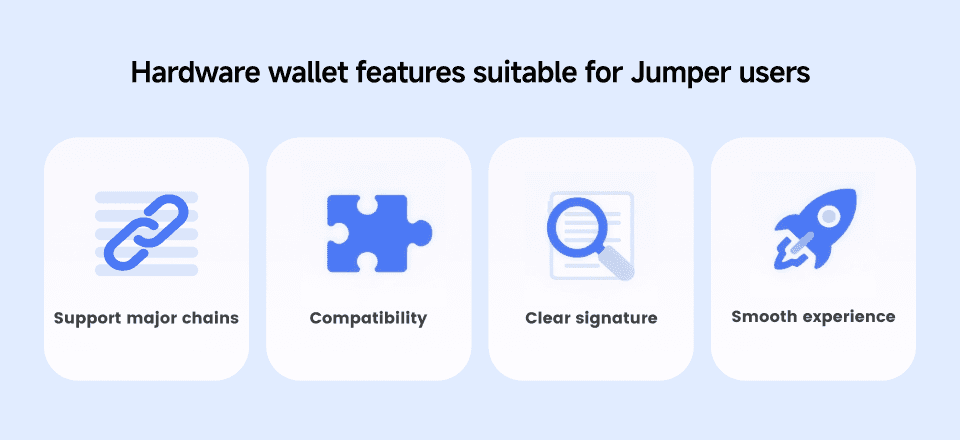
So an ideal wallet for Jumper should:
- Support all major chains Jumper uses (Ethereum, Arbitrum, Scroll, Polygon, Solana, etc.)
- Integrate smoothly with MetaMask, Rabby, and other plugin wallets
- Display clear signing data (function name, target, allowance amount, etc.)
- Offer fast, intuitive UX for high-frequency usage
Let’s compare some options:
OneKey
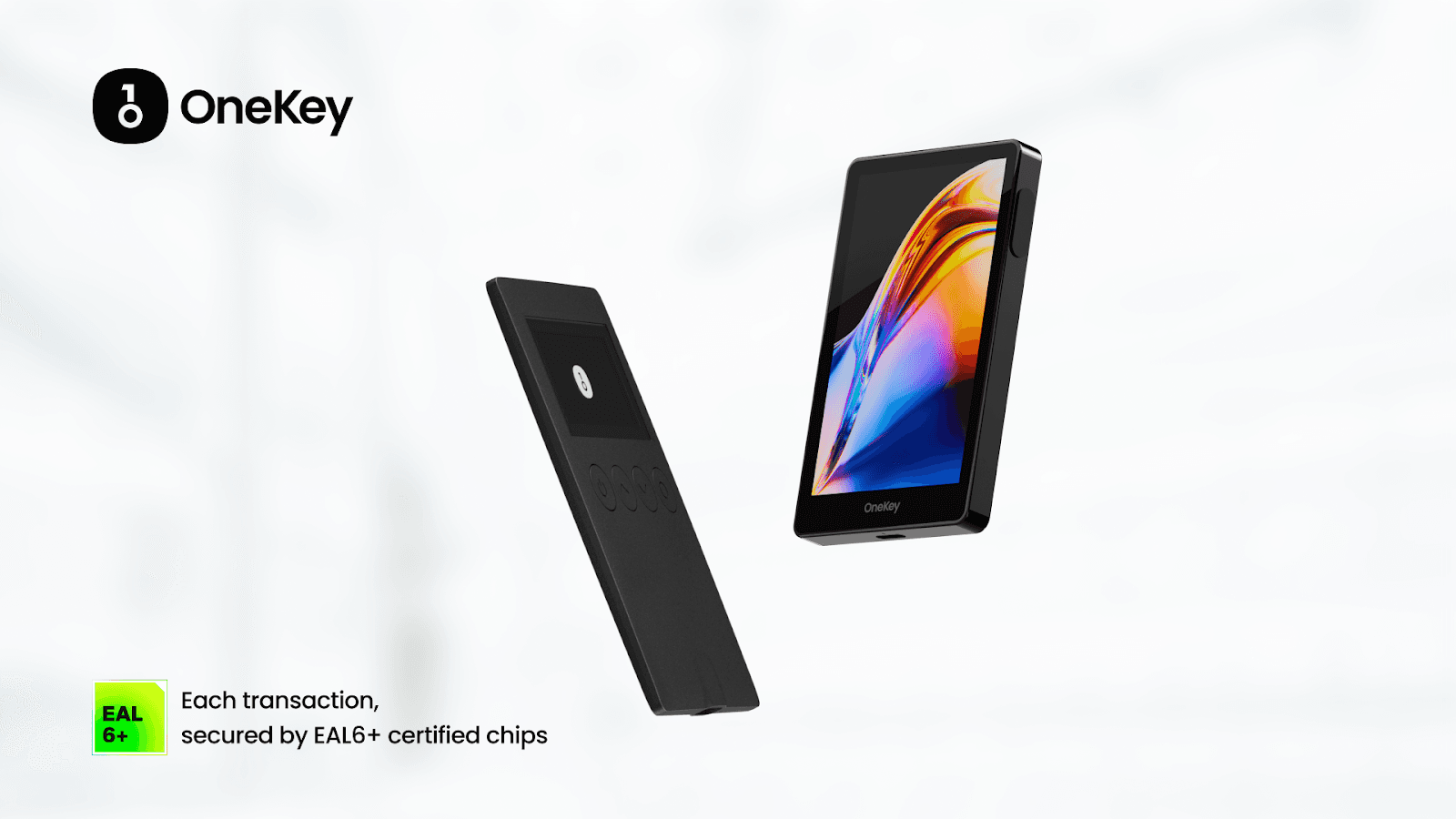
OneKey is a rapidly growing open-source hardware wallet founded in 2019, backed by YZi Labs (formerly Binance Labs) and Coinbase Ventures — currently the only hardware wallet project supported by both. Audited by SlowMist, OneKey adopts EAL 6+ secure elements and an air-gapped signing mechanism, with a strong focus on transparency and open-source principles to build a trustworthy security system.
In practice, OneKey supports all major blockchain ecosystems integrated with Jumper. It is fully compatible with browser wallets such as MetaMask and Rabby, and operates seamlessly across mobile, desktop, browser extension, and web platforms — covering over 100+ chains. Users can integrate secure hardware signing into their existing browser workflows without changing their usage habits.
Ledger
Ledger is a well-established hardware wallet brand that uses a closed firmware design and offers strong private key isolation. For more advanced transactions, especially those involving newer chains or complex contract calls, clear parsing can depend on installing specific Ledger Live apps or external plugins to interpret. Many users choose Ledger for its broad third-party integrations and supported apps, which make it relatively straightforward to plug into a wide range of DeFi tools and services.
Trezor
Trezor focuses on simplicity and security, making it suitable for long-term asset storage. Support for new chains and multi-contract interactions is typically rolled out deliberately and incrementally, so power users who prioritize high-frequency cross-chain activity may need to rely on companion tooling to achieve the exact workflow they want.
Keystone / Ellipal
These wallets emphasize QR-code-based signing and physical isolation, making them appealing to users who prioritize cold-storage-first setups or strict separation between browsing and signing environments. The trade-off is workflow speed. Initiating transactions via QR adds a few manual steps compared with USB/Bluetooth devices, which some high-frequency DeFi users might perceive as slower, while treasury management and infrequent movers often value the added isolation and predictability.
Overall, products that balance clear signature readability, strong security isolation, and smooth multi-chain interaction are still rare. Among these, OneKey stands out with its exceptional compatibility and verifiability — making it especially well-suited for Jumper users who engage in frequent operations, complex transaction paths, and have higher demands for asset security.
Introducing the OneKey Perk
We’re excited to announce the OneKey perk for Jumper Pass holders. With this perk, Jumper Pass holders Level 10 and above get 10% off on all OneKey purchases.
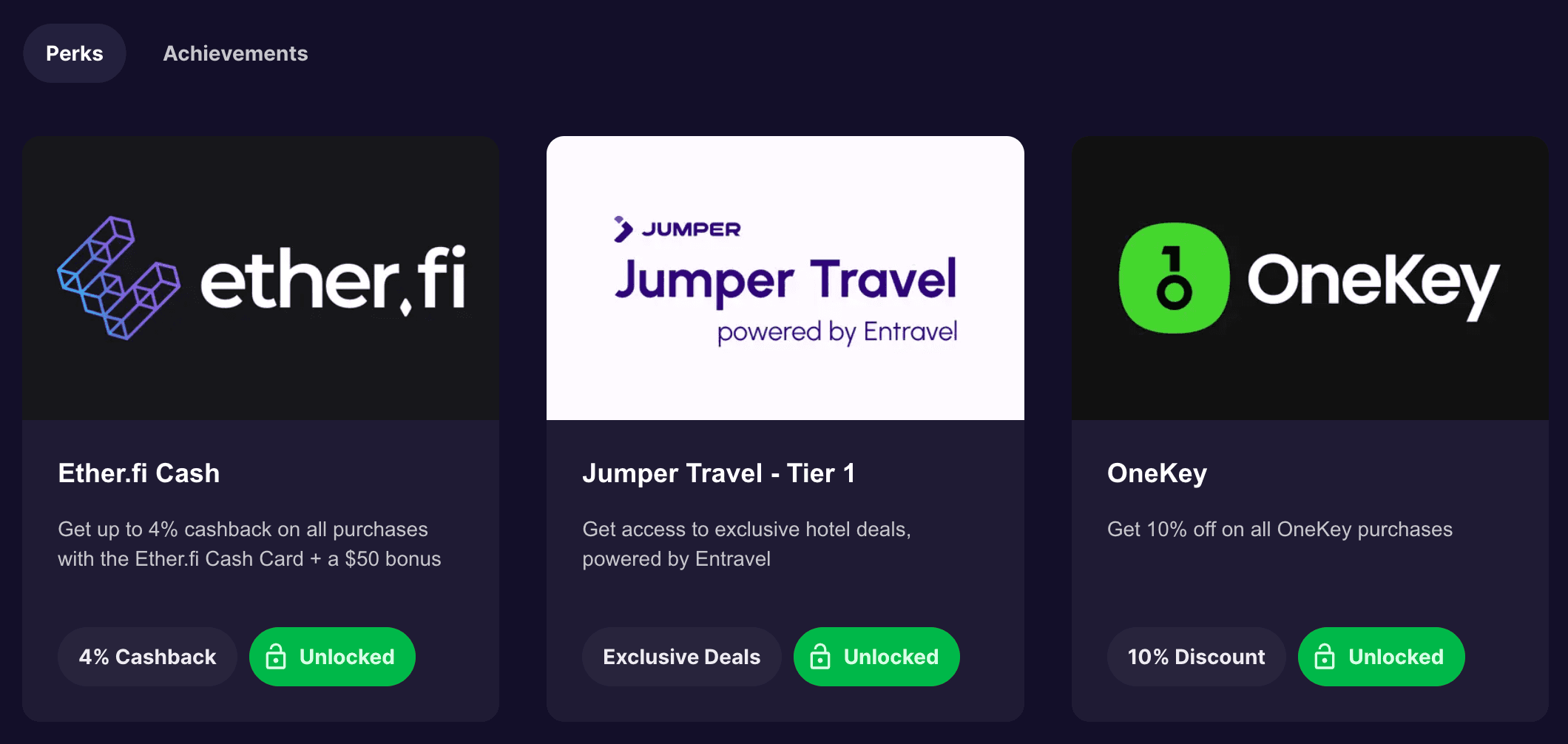
To access the OneKey perk, simply head over to your
Jumper Profile, connect your wallet, and select the OneKey perk. You’ll get redirected to a form that you need to submit. After that, simply open a ticket on the
Jumper Discordto receive access to your OneKey perk.
Real control begins when you understand your signature
With every streamlined click, the need for judgment grows stronger. Self-custody isn’t just holding your keys—it’s understanding your actions.
And that’s where OneKey shines: it translates complex, opaque contract calls into clear, actionable confirmations. No workflow disruption. No guesswork. Just one extra second to see what you’re truly signing. Because every asset movement deserves your full awareness.
And when you start asking yourself “what exactly am I approving?”—you’re not just clicking anymore. You’re taking control.
This article is a Jumper Learn guest post created in partnership with OneKey. For Jumper Marketing purposes only. We encourage you to do your due diligence before using or buying tokens of any protocol mentioned. This is not financial advice.